Draw a Map of a Robot’s Senses
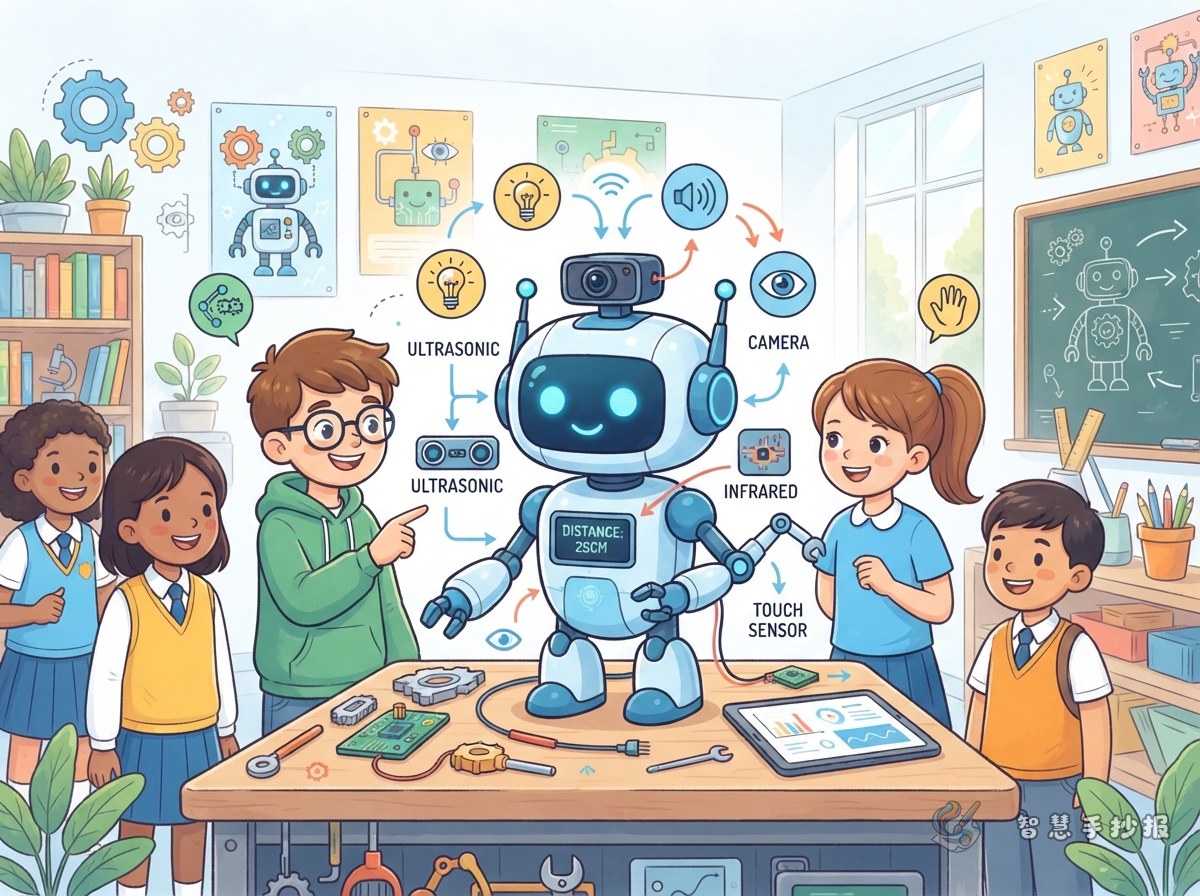
This poster can begin with one simple question: how does a robot know what is happening around it? Draw a friendly robot head or a small robot car in the center, then place small sections around it for light, sound, touch, and distance. Arrows can show how information enters the robot. This makes the topic easy to understand and gives the page a lively look.
Use the main title How Does a Robot Sense Its Surroundings? and add the subtitle “Meet Sensors and Explore Automation” so the learning focus is clear.
Sensors Are the Robot’s Helpers
The explanations can stay simple by comparing sensors with familiar human senses.
- Light sensor: Detects brightness and can help a robot decide whether a light should be turned on.
- Sound sensor: Notices changes in sound, such as clapping or speaking.
- Distance sensor: Measures how near an object is and helps the robot avoid obstacles.
- Touch sensor: Detects contact and can tell the robot to stop, turn, or change direction.
- Temperature sensor: Detects hot and cold conditions and helps monitor the environment.
Draw a small icon beside each item, such as the sun, an ear, a ruler, a fingertip, or a thermometer. These pictures help younger readers understand the words quickly.
Connect Automation with “Notice, Decide, Act”
To make the poster more than a list of parts, add a section called “How Does a Robot Make a Decision?” First comes notice: sensors collect information about light, sound, or distance. Next comes decide: the control unit follows programmed rules to interpret the information. Finally comes act: motors, lights, or buzzers respond.
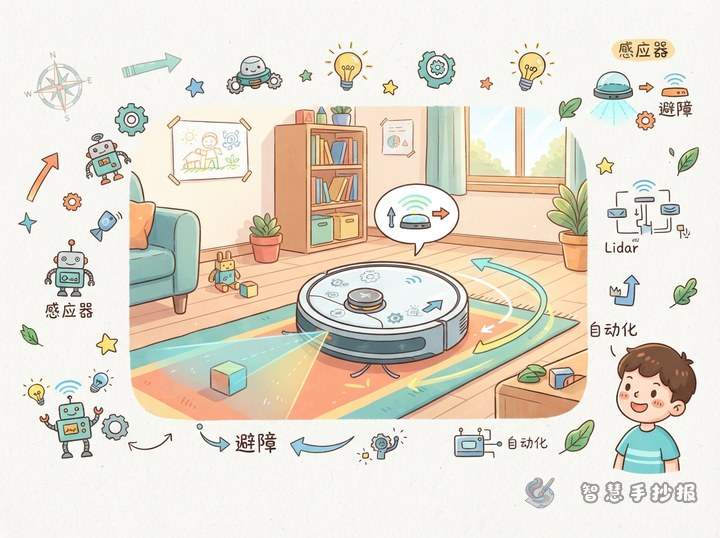
For example, a robot vacuum detects a chair ahead. Its distance sensor sends the information to the control unit. The robot decides that it cannot keep moving straight, so it stops and turns. This example shows that automation follows an order: sensing, deciding, and carrying out an action.
Make the Information Flow Across the Page
A horizontal or circular layout works well. On the left, draw everyday scenes such as a smart car, automatic lighting, or a temperature alert. Put the robot and its sensors in the middle. On the right, show what happens after the robot receives information. Use a different arrow color for each stage: blue for sensing, green for deciding, and orange for acting.
Leave a clear title area at the top. At the bottom, add a “Think About It” box with questions such as: what might a robot need if it cannot detect the path ahead? Which sensor could help a robot stop after touching a wall? Add small gears, wires, and signal marks in the remaining space to complete the design.
A Quick Finishing Checklist
- Plan the title, central picture, and four text areas with a pencil first.
- Keep each section to one or two key sentences and highlight important words.
- Match every sensor name with its real function instead of using it only as decoration.
- Check the arrow directions and make sure the order “notice, decide, act” is easy to follow.
For help arranging sections, adapting the wording for different grades, or continuing the layout, open the WeChat mini program Zhihui Shouchaobao and keep creating your poster.