How a Robot Vacuum Avoids Walls: Sense, Decide, Act
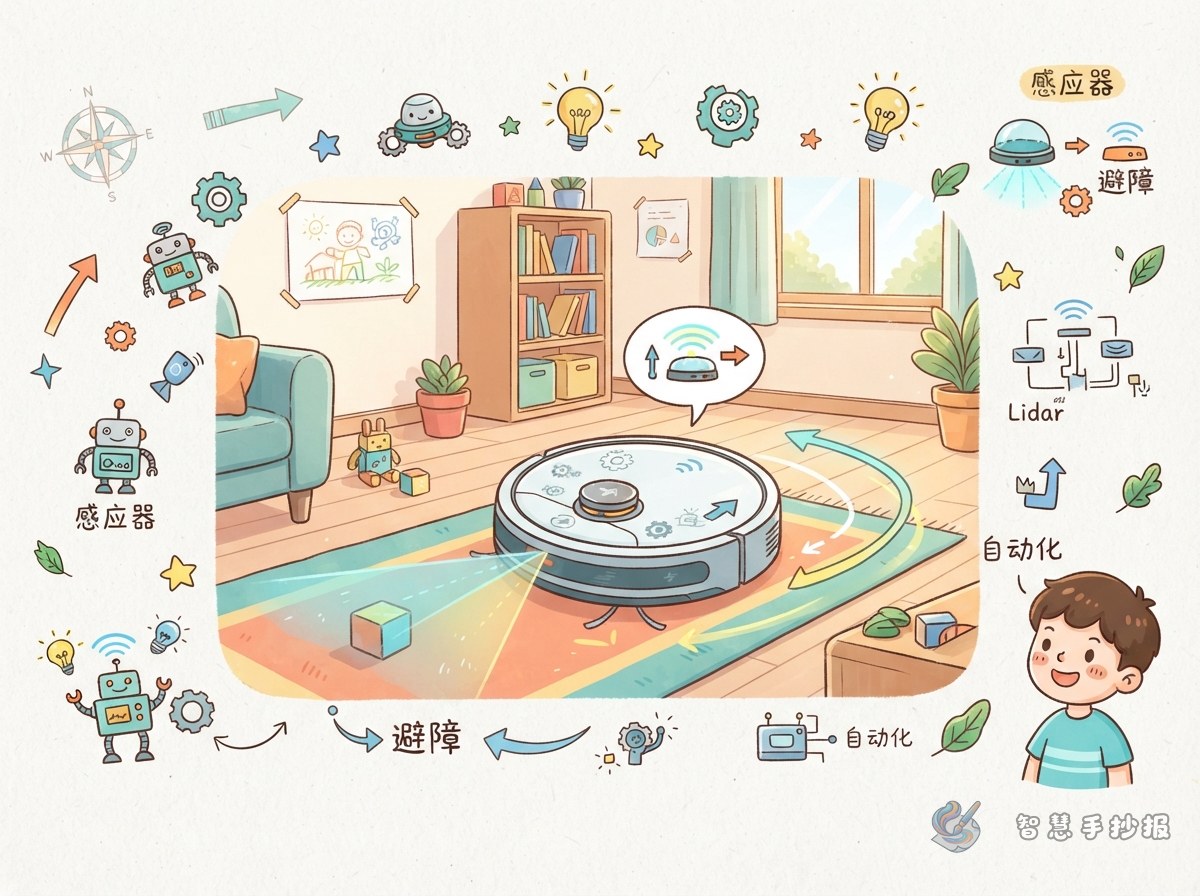
A robot vacuum does not really see the whole room. It works through a small automation loop. Sensors collect distance and contact information. The controller decides whether to slow down, turn, or back up. The wheels and motors turn that decision into movement. On your poster, draw this loop as a left-to-right flow band so readers can understand it at a glance.
The Parts Team That Keeps It from Bumping
- Collision sensor: works like a feeler. When it touches an obstacle, it sends a signal to back up and change direction.
- Infrared or ultrasonic sensor: looks ahead to check for walls, table legs, or pets.
- Cliff sensor: sits underneath and warns the robot when it reaches a step or edge.
- Drive wheel and caster wheel: one moves the robot forward, and the other helps it turn smoothly.
- Controller board: receives signals and sends commands. It is the little commander of the avoidance action.
A Route-Map Layout for Your Poster
Do not fill one big box with text. Instead, draw a curved cleaning route through the middle of the page. Let the route divide the page into four islands: top left for how it senses, top right for how it decides, bottom left for how it turns, and bottom right for how it returns to the charging dock. Use dashed lines for the route, rounded boxes for the islands, and different colors for the titles. The whole page will look like a robot map.
Suggested section names
- What the eyes and feelers do
- Four steps in one avoidance action
- How a robot vacuum helps at home
- My future cleaning robot design
Simple Sentences to Fill the Poster
If you are not sure what to write, use first, next, then, and finally. First, the sensor scans ahead. Next, it sends distance information to the controller. Then, the controller makes the left and right wheels spin at different speeds, so the robot turns. Finally, it goes around the obstacle and keeps cleaning along the edge. Put each sentence in its own small box and connect them with arrows. The text will be clear and easy to follow.
Three Ways to Make It Look More Automated
- Add numbers: write 1, 2, 3, 4 along the route to show the order of actions.
- Add a comparison: on the left, draw a robot without sensors hitting the wall. On the right, draw one with sensors turning away.
- Add a legend: use different shapes for sensor, controller, and wheel, then place a small legend box in the corner.
If you want to turn these sections into a ready-to-print layout, open the Smart Handwritten Newspaper WeChat mini program, choose a robot theme template, and keep creating by changing the text and colors.