Turn a Robot Task into a Clear Route
Instead of drawing only the outside of a robot, build the handwritten newspaper around one question: how does a robot complete a task step by step? Place the words From Discovery to Completion in the center, then connect sensing, deciding, acting, and checking with bold arrows.
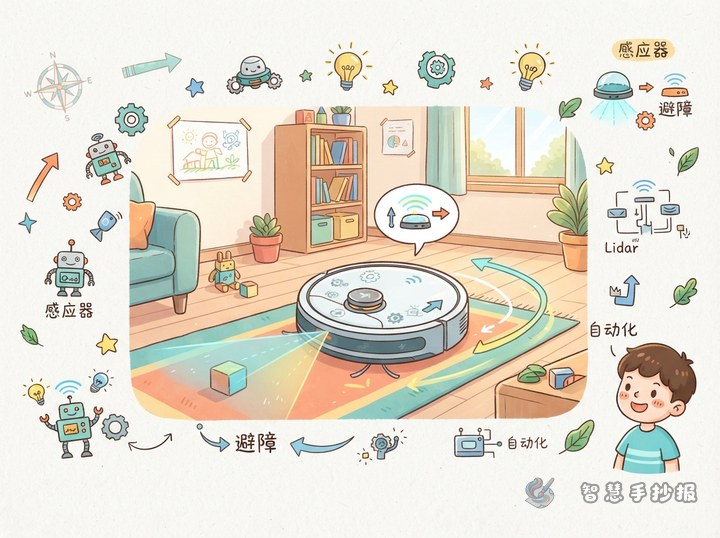
- Sensing: Sensors collect information about light, distance, sound, touch, or other changes.
- Deciding: A controller processes the information according to a rule or program.
- Acting: Motors, wheels, grippers, or arms turn instructions into movement.
- Checking: The robot checks the result and chooses whether to continue, stop, or adjust.
Five Work Zones Inside a Robot
To show the connection between structure and automation, draw a functional map instead of only a complete robot outline. Use a different color for each zone and add a short caption beside it.
- Sensing zone: Like the robot’s eyes and ears, it notices changes around the machine.
- Control zone: A small command center that sends instructions according to rules.
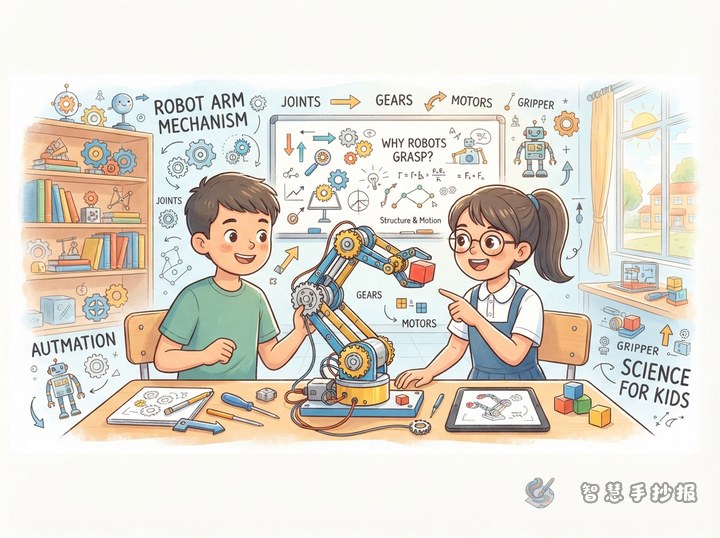
- Action zone: Motors, wheels, grippers, and arms that carry out the instructions.
- Power zone: A battery or power source that supplies energy to the parts.
- Connection zone: Wires or wireless links that allow the parts to exchange information.
Short Knowledge Cards for the Page
A One-Sentence Definition
Automation means allowing equipment to follow preset steps and complete repeated work accurately. A robot does not move without a reason; it depends on sensors, a controller, action parts, and energy working together.
A Simple Task Example
For example, a line-following car first uses sensors to find the path. The controller decides the direction, and the two motors change speed to turn the wheels. The sensors then check whether the path is still under the car. Draw this as four connected boxes for a strong knowledge section.
Design the Page Like a Small Production Line
- Put the main title and a robot carrying out a task at the top. Add gears, arrows, and circuit-like decorations around it.
- Use a horizontal or circular flowchart in the middle to show sensing, deciding, acting, and checking.
- Place the five functional zones in small cards on the left, with simple icons for a sensor, battery, motor, and controller.
- Create a Task Challenge section on the right with examples such as carrying an object, avoiding an obstacle, or following a line.
- End with the sentence Clear teamwork helps a robot finish its task steadily.
Finish with a Safety Check
Draw three check marks or question bubbles at the bottom and write Can it sense?, Can it decide?, and Can it act? Add a reminder to be careful around batteries, moving parts, and sharp edges, and never take equipment apart without adult guidance. After preparing the text, you can use the WeChat mini program Wisdom Handwritten Newspaper to arrange the sections and continue designing the page.