Why this scam catches pupils off guard
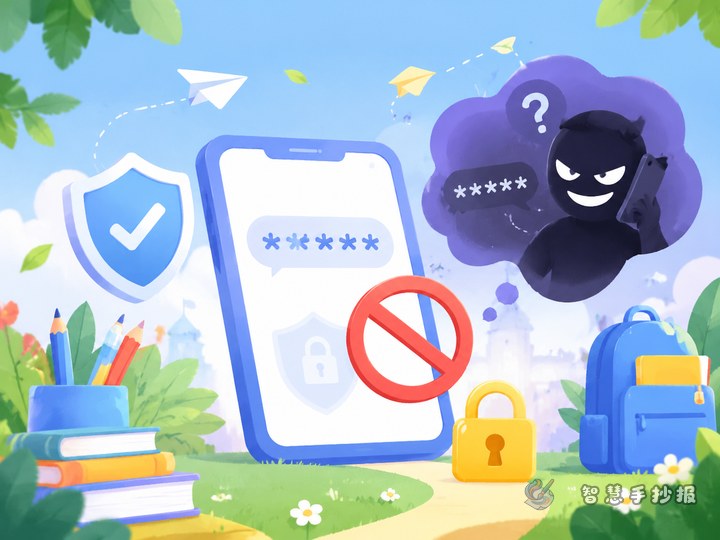
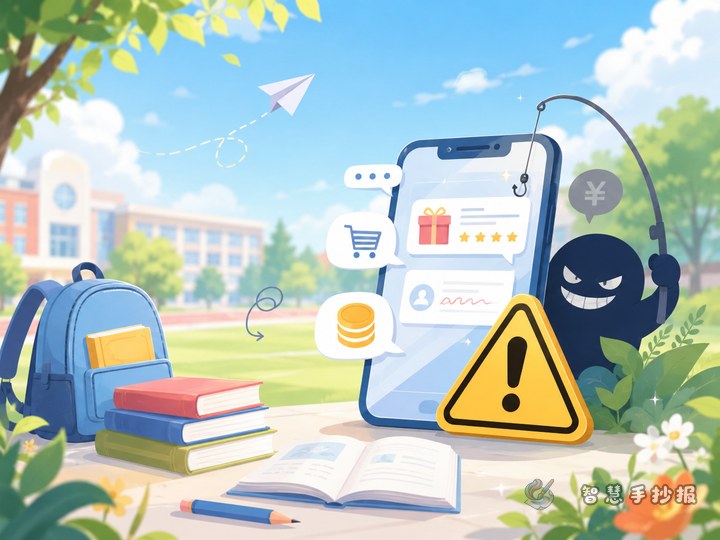
Fake class bonus groups borrow familiar signals: the group name looks like a real class group, the avatar looks like a teacher, and the first message mentions free stationery or study materials. Seeing "free" and "class" together makes pupils relax. On the poster, separate the friendly disguise from the real purpose.
- Disguise: class numbers, school names and a polite teacher-like tone.
- Trick: small free gifts first, then a request to fill in a form.
- Purpose: collecting names, class details, parents' phone numbers and home addresses.
Three columns that tell the whole story
You do not need to fill the whole page. Three columns can form a clear warning line.
Column one: warning signs in the group
List short signals such as a stranger adding me, a request to send my parent's phone number in a private chat, or a message urging me to hurry before the gift runs out.
Column two: what could happen next
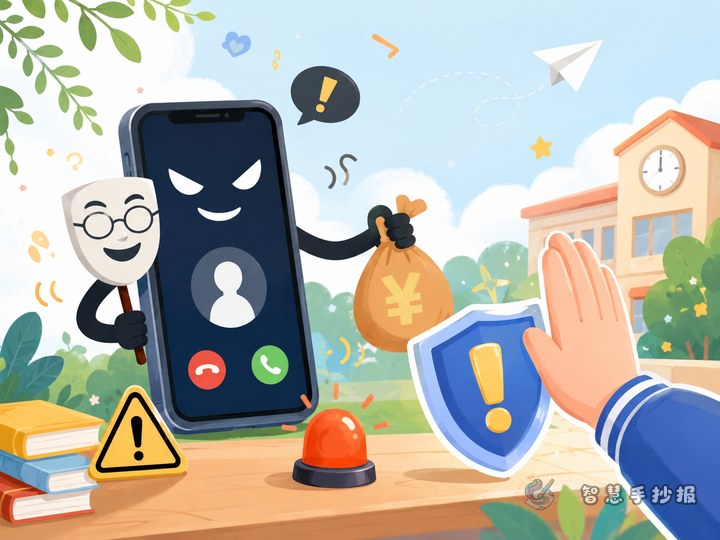
Describe possible results without scary claims: details may be passed on, unknown sales calls may follow, or someone may pretend to be a teacher or courier and contact parents.
Column three: my three actions
- Do not open the form link in the group.
- Send a screenshot to a parent or teacher.
- Leave the group and tell classmates.
Wording that sounds like a pupil talking
Poster text does not need to sound like an official notice. A friendly reminder is easier to read.
- My name, phone number and address are not tickets for a free prize.
- If the group asks for my details, I first ask: which teacher are you?
- Free things make people forget to check who is giving them.
- When I am not sure, leaving the group is also a brave choice.
For a fun touch, draw a small "information pocket" with three slips of paper labelled name, phone number and address, and write "not for sharing" on the pocket.
A layout that shows the flow at a glance
Try a "flow on the left, actions on the right" layout. On the left, stack three boxes from top to bottom: added to a group, asked to fill in a form, asked for parents' details, and connect them with arrows. On the right, use a large area for "what I will do" in bold short sentences. Put the main title at the top centre and a subtitle such as "Form requests in stranger group chats".
Keep to two or three colours: blue for the title, orange for risky steps and green for safe actions. Mark danger points with exclamation marks or wavy lines and safe actions with check marks, so younger pupils can follow the page quickly.
Three details worth checking before you finish
- Avoid real school or group names. Use "a certain class group" instead.
- Do not invent amounts of money lost or real cases. Phrases like "could lead to" are safer.
- Leave a small blank space for class and name so the poster can be displayed in class.
If you want ready-made frames, borders and small icons, open the WeChat mini program "Smart Handwritten Newspaper" and continue designing your anti-fraud poster there.