Why One Line Spacing Does Not Fit Every Box
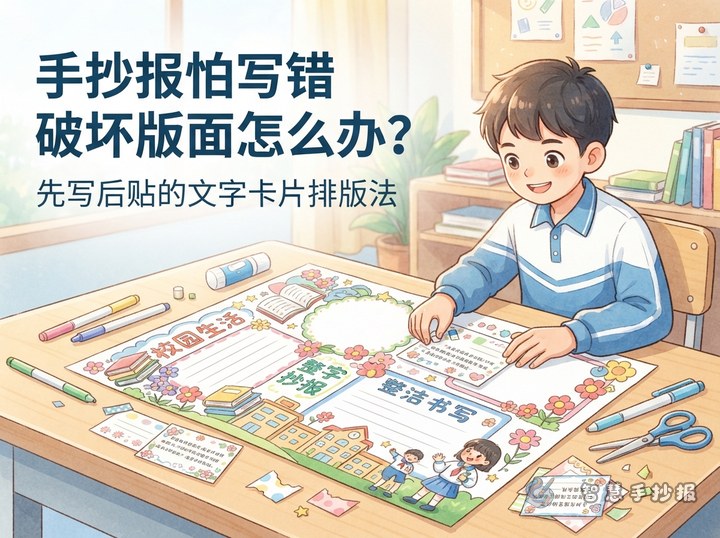
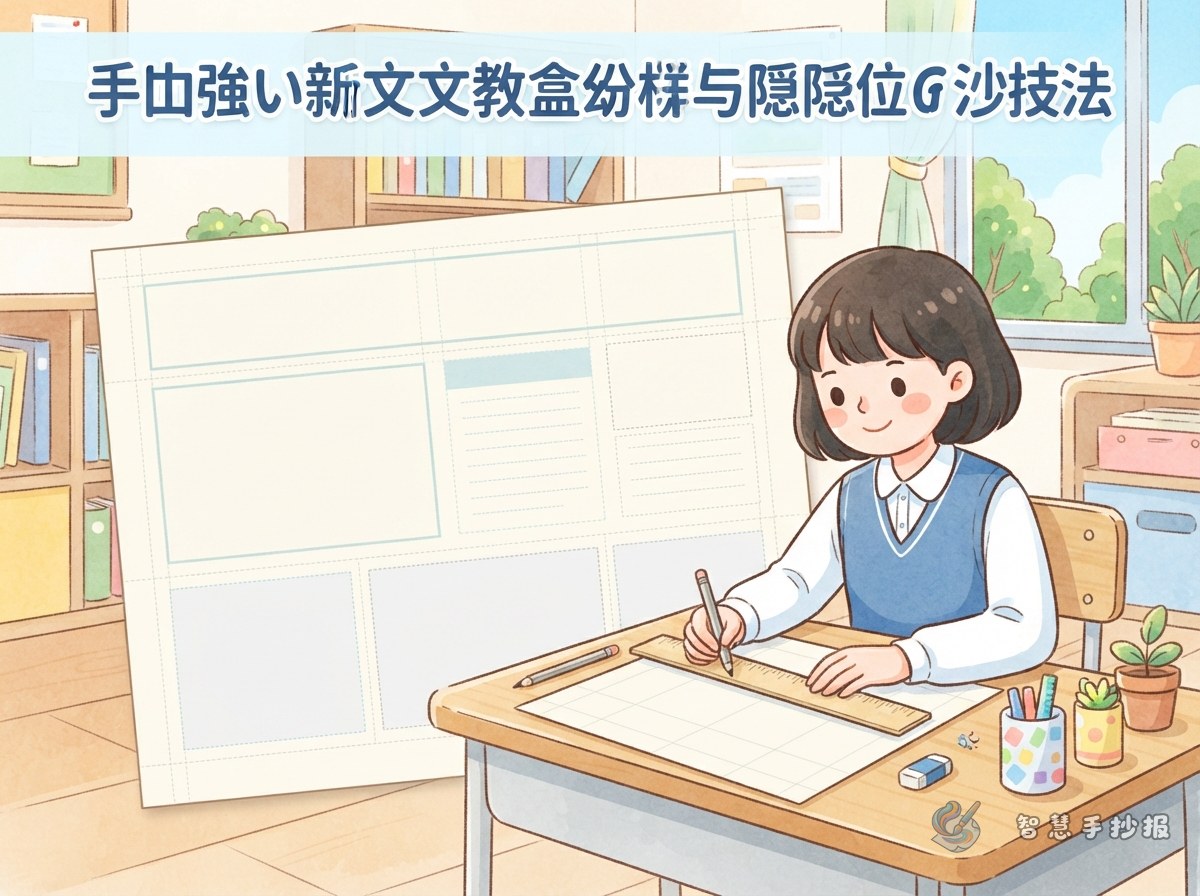
A handwritten school poster may contain a main explanation, a fact card, a list of tips, and a short slogan. These sections use different font sizes and hold different amounts of text. If every box follows one spacing pattern, a large section may look empty while a small one becomes crowded.
Treat each section as an independent writing area. Main paragraphs usually need medium-sized letters and moderately close spacing. A fact card can use wider spacing, while a one-sentence reminder may not need several guidelines at all.
Plan the Rows Before Drawing the Guidelines
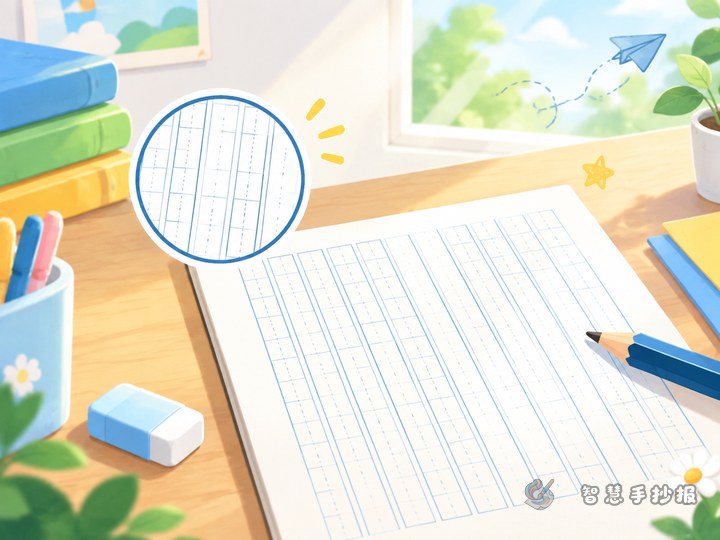
- Measure the usable height: Leave a clear margin at the top and bottom of the frame.
- Estimate the number of rows: Test one line on scrap paper to see how many words or letters fit at the selected size.
- Divide the space evenly: Mark equal intervals on both sides of the text box.
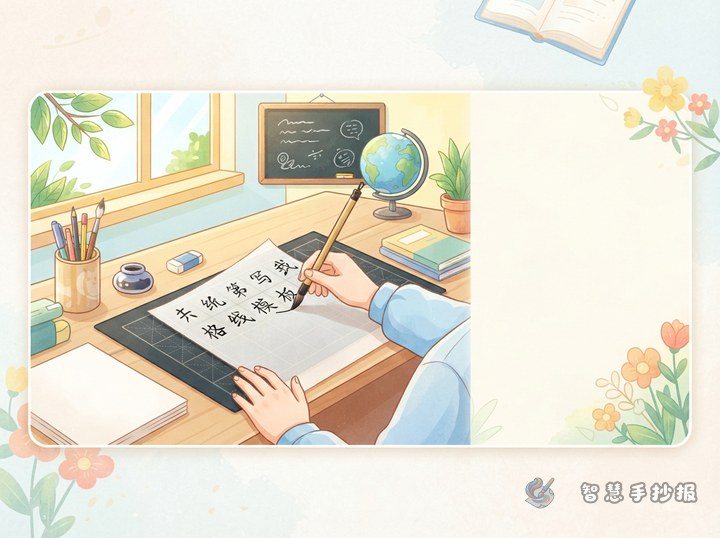
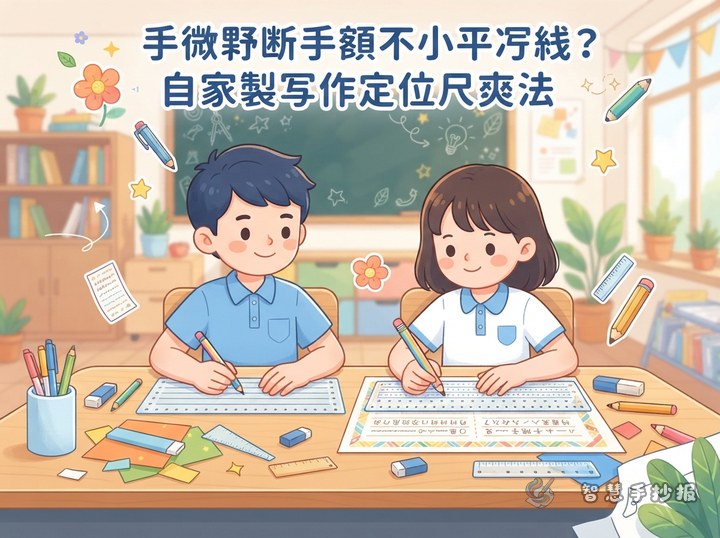
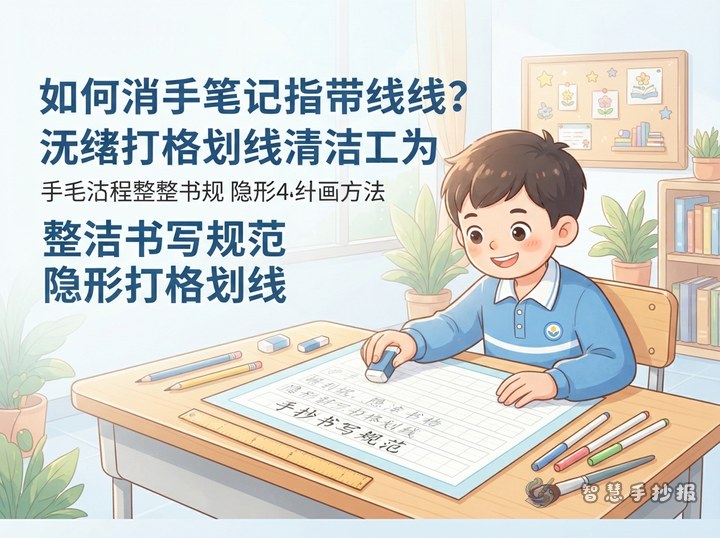
- Connect matching marks lightly: Use a ruler and a light pencil stroke so the lines can be removed after the ink is dry.
If a paragraph is expected to take six lines, establish all six baselines before writing. When the final line would contain only a few words, shorten the paragraph in advance rather than squeezing the last two lines together.
Build a Writing Area Inside Decorative Frames
Circles, leaves, and cloud-shaped frames are lively, but the words should not follow every curve. Imagine a rectangle inside the decorative border and place horizontal baselines within that rectangle. Where the frame becomes narrow, use fewer words on the line and keep both ends away from the outline.
If an illustration will sit above or beside the text, reserve its space first. Adding a drawing only after the writing is finished can disturb the spacing and make the reading order unclear.
Test Font Sizes with Short, Useful Material
For a poster titled “Build a Daily Reading Habit,” possible sections include “Why Reading Matters,” “My Reading Plan,” “Book Recommendation,” and “Daily Reminder.” Use short sample text to test how many lines each box requires before making the final copy.
- Topic introduction: Reading helps us explore a wider world, build vocabulary, and improve thinking and expression.
- Reading plan: Set aside a regular reading time and record the title, a favorite sentence, and a personal response.
- Short reminder: Care for books, read with focus, and think about what you learn.
- Recommendation card: Include the book title, a brief description, and one clear reason for recommending it.
This approach also works for environmental protection, school safety, traditional festivals, and campus life. The goal is not to pack in as many words as possible, but to match concise material with the available space.
Finish with a Clean-Up Check
Check spelling, missing words, and punctuation before erasing anything. Look for lines that rise or fall noticeably. Make only small corrections instead of rubbing a large area repeatedly. Once all ink is completely dry, erase the pencil guidelines gently from one side of the paper to the other.
Step back and review the full page. The title should be the strongest element, paragraph sections should have similar visual density, and small cards should retain some open space. If you still need help choosing sections or arranging the page, continue in the 智慧手抄报 WeChat Mini Program to select a topic, organize material, and create your handwritten poster.