Begin with a Simple Action Route
This handwritten newspaper can begin with one engaging question: Why can a robot move? Show the process as a clear route: collect information, make a decision, send a command, and complete an action. Draw a friendly robot in the center and connect it with arrows to sensors, a controller, a power source, and moving parts. This helps readers see that automation is not magic; it is the result of several parts working together.
A question-style title such as “Why Can Robots Move?” can be paired with the subtitle “Discover Robot Structures and Automation.” It feels friendly and gives younger readers an easy way into the topic.
Give Each Robot Part a Clear Job
Sensors: Collecting Information
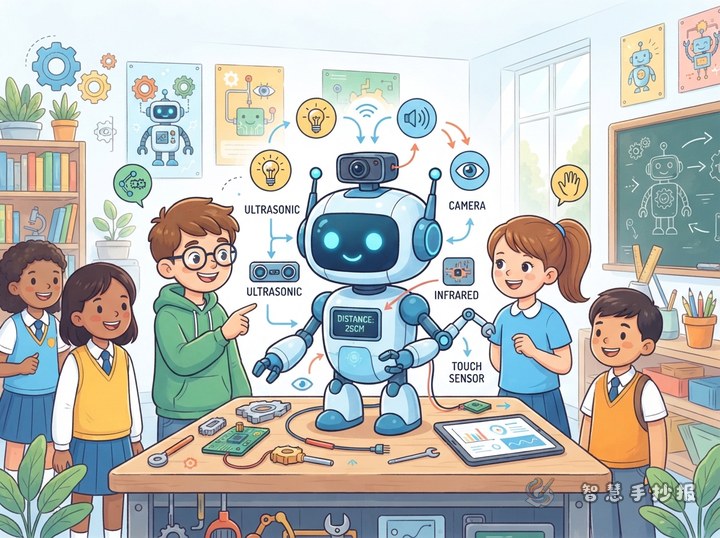
Sensors work like a robot’s eyes, ears, or skin. They can detect changes in light, sound, distance, temperature, or pressure. Draw a small eye icon and add the sentence: “A robot needs to observe its surroundings before it can decide what to do next.”
The Controller: Making Decisions
The controller receives information from sensors and follows set rules to make a decision. For example, when it detects an obstacle ahead, a robot may stop or change direction. Instead of using difficult technical terms, explain it with three short phrases: “receive information, analyze the situation, and send a command.”
Power and Moving Parts: Turning Commands into Action
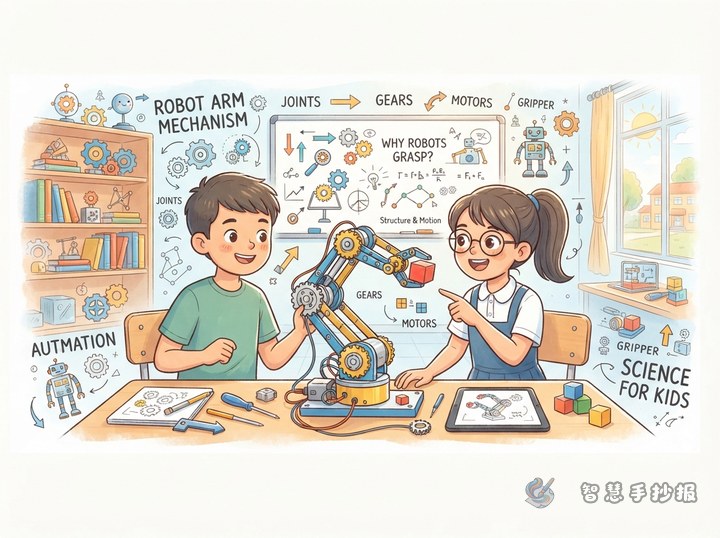
A power source provides energy, while motors, arms, and wheels turn commands into movement, rotation, grabbing, or light. Use a lightning symbol for power and gears or wheels for action. Different arrow colors can show the flow of energy and the flow of commands.
Four Useful Sections for the Page
- Robot Parts File: Introduce sensors, controllers, power sources, and moving parts with one short sentence and one simple icon for each.
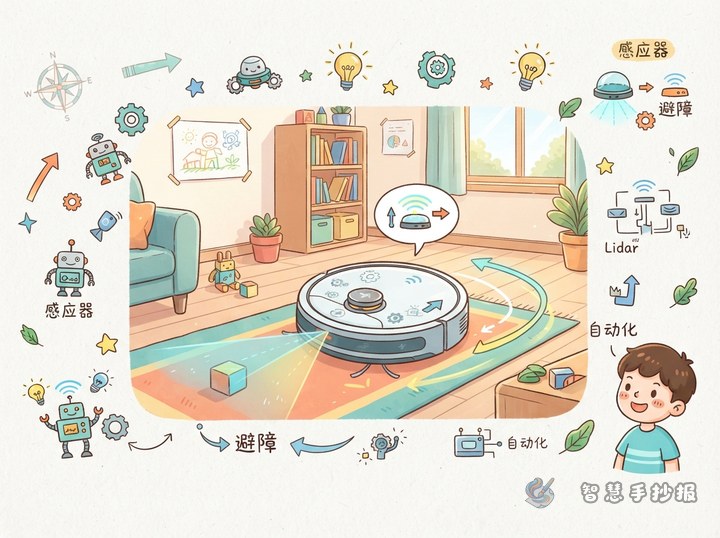
- Automation in Daily Life: Use robot vacuums, automatic doors, smart elevators, or factory robot arms. Explain how each one senses, decides, and acts.
- Think and Observe: Ask, “What does an automatic door detect first? What decision does it make? What action happens afterward?”
- My Future Robot: Imagine a robot that organizes a desk, reminds people to water plants, or helps find lost objects. Write down the parts it would need.
Turn an Abstract Idea into a Picture
Place a three-step diagram beside the robot. In the first box, show a sensor detecting an obstacle. In the second, show the controller thinking. In the third, show the wheels turning away. Keep one sentence per box so the page does not become crowded. For an interactive touch, add a matching activity: connect “darkness detected” with “turn on the light,” or “person detected” with “open the door automatically.”
Color Choices and a Practical Drawing Order
- Use a pencil to plan the page direction and reserve the center for the robot and its action route.
- Place the main title at the top, the parts file on the left, daily-life examples on the right, and questions or future ideas at the bottom.
- Use blue for information, orange for commands, and green for actions. Keep the main palette to three or four colors.
- Finish the writing before outlining and coloring. Emphasize arrows, gears, wheels, and sensor icons.
- Check that every section relates to robot structures or automation, and remove repeated sentences to keep the page clean.
For help arranging the title, sections, and rough layout, you can continue creating the page in the “智慧手抄报” WeChat mini program, then add your own robot design and handwritten notes.