Choose One Main Image for the Poster
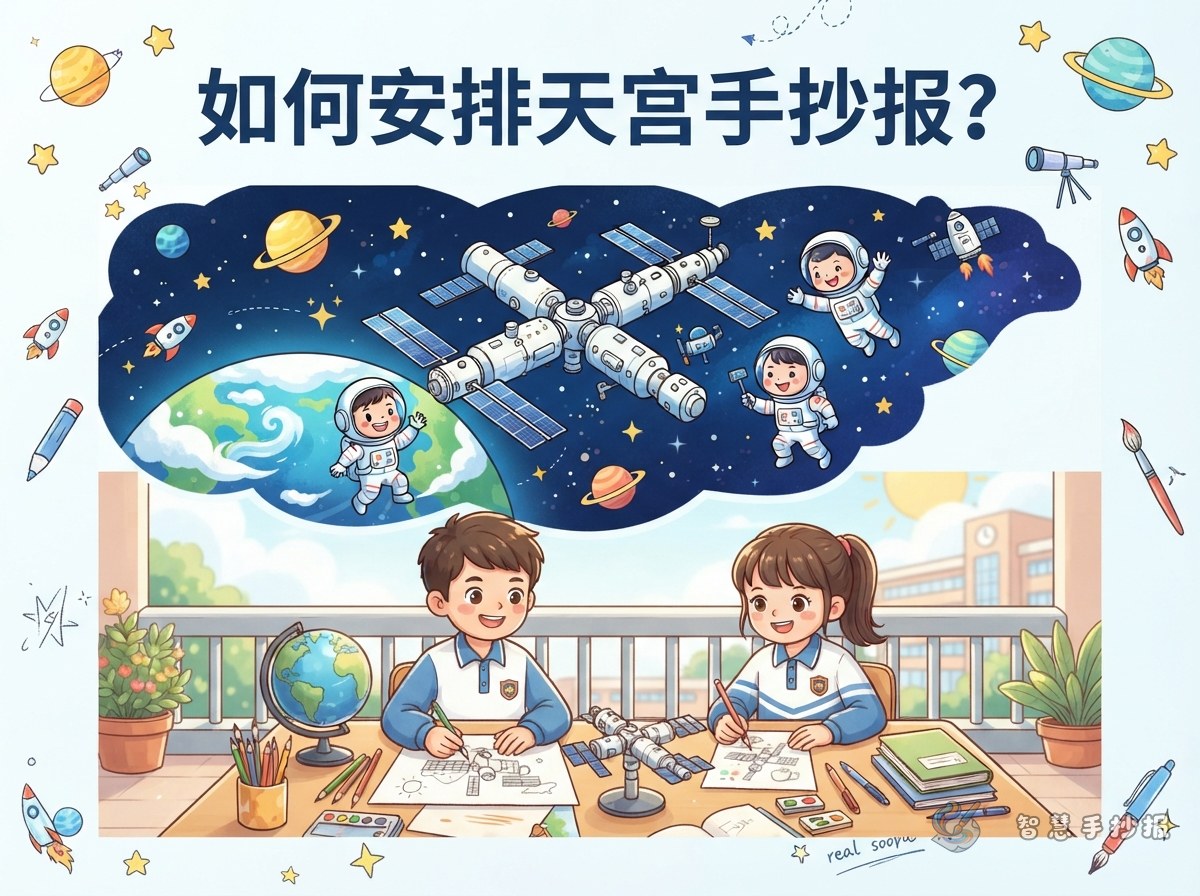
China's space station, known as Tiangong, makes a strong central image. Instead of drawing a single box, show it as a joined structure: a main module in the middle, long solar wings on both sides, a crew spacecraft at one end and a cargo spacecraft at the other. A long horizontal structure across the top or diagonally across the page instantly gives the poster a technical feel.
Add a small caption underneath, such as “Tiangong, China's Space Station,” so readers know exactly what they are looking at.
Build the Content Around Three Sections
Three sections keep the page organized and easy to read. Give each one a small colored label.
- Section one: What is inside the station.Introduce the core module and the two experiment modules, explaining that the core module works like a control center and the experiment modules work like laboratories.
- Section two: How astronauts live.Describe eating, sleeping, exercising and collecting water in orbit, and mention sleeping bags, exercise equipment and specially packed food.
- Section three: Science in space.Write about experiments carried out in orbit and the lessons astronauts give to students on Earth, and explain how weightlessness changes the way things behave.
The three sections do not need equal space. Make the one you find most interesting longer and keep the other two brief; the page will feel more natural.
Short Text Pieces Students Can Copy
Long paragraphs are hard to fit on a poster. These short lines can be copied or adapted:
- “Tiangong travels high above Earth and sees many sunrises in one day.”
- “The core module is the control center; the experiment modules are the laboratories.”
- “In space, water forms floating balls that astronauts collect with special tools.”
- “Astronauts exercise every day so their bodies can adjust when they return to Earth.”
- “Space classes turn the station into a giant classroom.”
Add a tiny icon after each line, such as a water drop, a running shoe or a beaker, so the words and pictures support each other. For ready-made layouts in the same theme, open the Smart Handwritten Newspaper WeChat mini program and continue building there.
Use an Orbital Line to Guide the Eye
Start with a deep blue or navy background and run a curved orbital line across the page. Place the title at the top left or top center, let the line sweep past the station, and finish near three text boxes at the lower right. The boxes can look like round windows, square hatches or clouds, but keep the border thickness consistent.
Write the body text in white and light blue, and use orange or yellow only for key words. Leave generous white space and wide line spacing so the text stays readable from a distance.
A Simple Order of Work
- Write the three sections and their short sentences on scrap paper and count the words.
- Lightly pencil in areas for the title, the illustration and the three text boxes.
- Copy the text first, then draw the station and stars, and add borders last.
- Check spelling and title placement, then erase the remaining pencil lines.
Following this order usually lets everything fit on the first try. For more space-themed section names, text pieces and layout styles, visit the Smart Handwritten Newspaper WeChat mini program, choose a layout and fill in your own content.