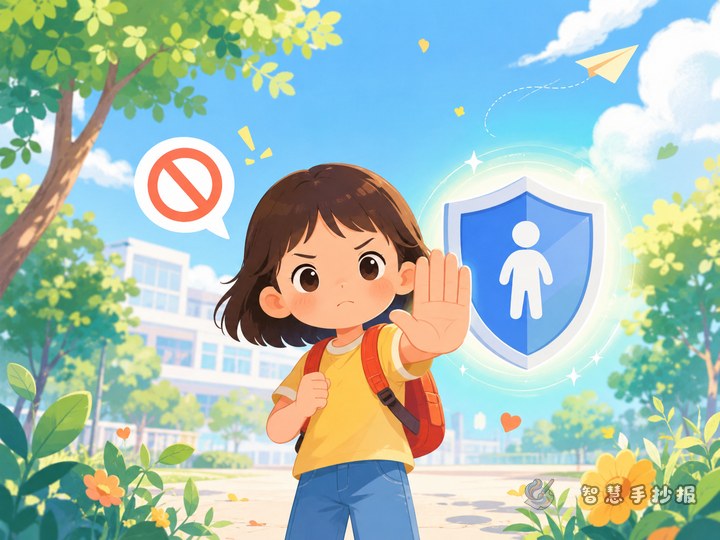
Begin with a picture about staying safe
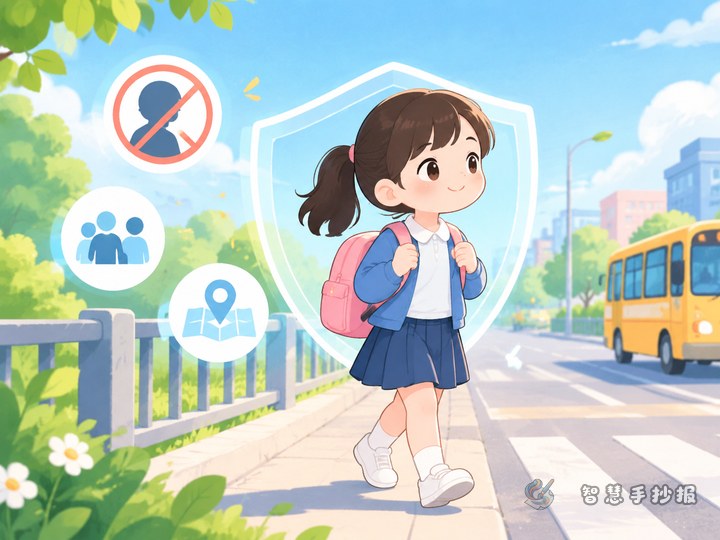
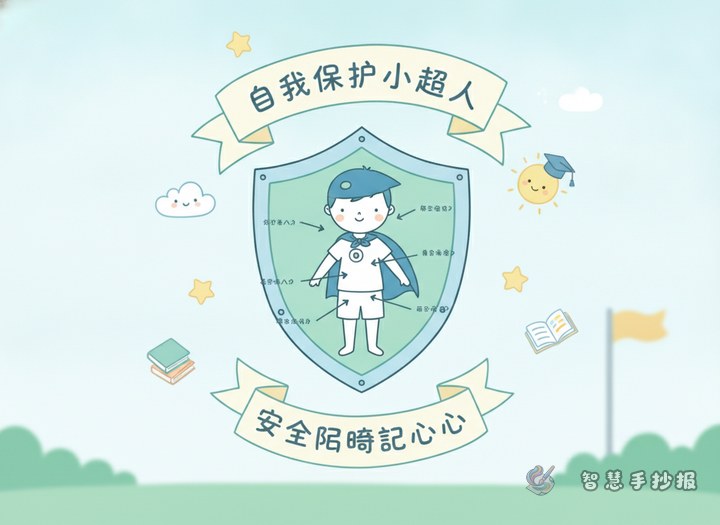
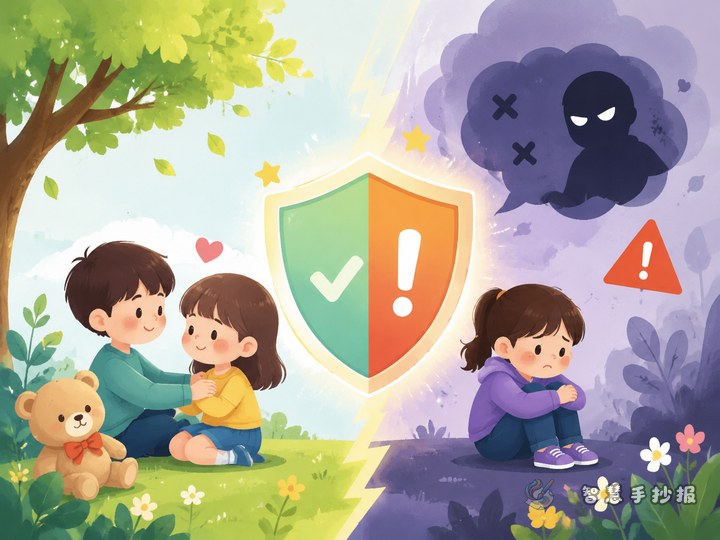
This handwritten newspaper can focus on the message “Leave and ask for help when something feels wrong.” There is no need to describe a specific incident. Draw a child standing inside a safety circle in the center, with trusted adults such as a parent, teacher, or police officer nearby. The overall feeling should be safe, brave, and supported.
Possible titles include “I Can Protect My Body,” “Ask for Help When I Feel Uncomfortable,” and “Stay Safe Online.” Use bright blue, yellow, and green, and avoid frightening images so younger students can understand the message easily.
Turn online safety reminders into small cards
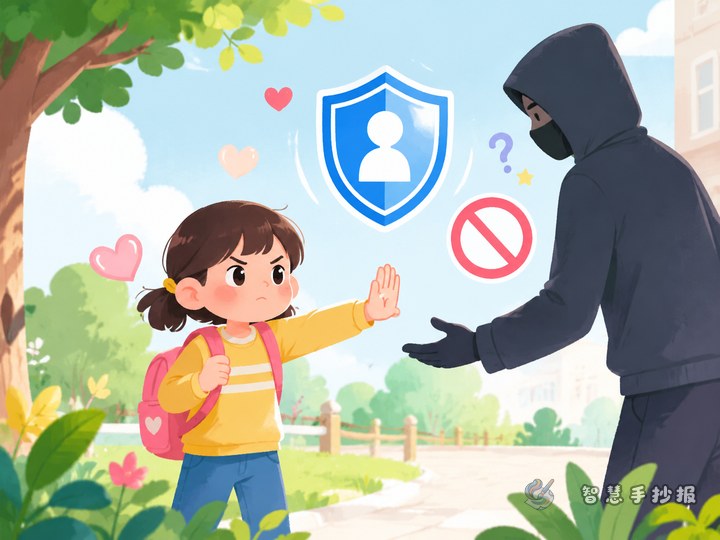
If a child sees pictures, videos, or messages online that feel frightening, disgusting, or uncomfortable, they should close the page immediately, not save or forward the content, and not continue talking to the stranger. This section can be designed as a four-step card titled “What should I do when online content feels wrong?”
- Stop watching and leave the page or put down the device.
- Do not reply, forward the content, or meet the person alone.
- Keep only necessary clues, such as the account name and time, and show them to a trusted adult.
- Tell a parent, teacher, or another adult who can protect you as soon as possible.
Draw a clear route for asking for help
“Who can I ask for help?” can be one of the most important sections. Draw colorful arrows from the child to a parent or guardian, class teacher, school staff member, doctor, or trusted relative. If the first adult does not take the concern seriously, tell another trusted adult and keep asking until someone helps.
Useful sentences for speech bubbles include: “I feel uncomfortable and need help.” “Please stay with me while we deal with this.” “This is not my fault, and I have the right to protect myself.” These short sentences fit well in dialogue boxes or note cards.
Fill the page with online safety promises
- Do not send your photos, home address, school, or contact details to strangers.
- Do not open suspicious links or files from unknown people.
- Do not accept chats or meeting requests that make you feel uneasy.
- When someone threatens or pressures you, ask for help before taking further action.
Add small icons such as a lock, shield, phone, or helping hand, but do not fill every space with text. Keep each promise to one or two lines and leave some white space for a clean layout.
End with the message that asking for help is brave
The final section can say: “Protect your body and your online space. If something makes you uncomfortable, leave and tell a trusted adult.” Remind children that when inappropriate behavior or harmful online content occurs, it is not the child’s fault. Asking for help is nothing to be ashamed of.
After preparing the text, use the 智慧手抄报 WeChat mini program to organize the sections, choose a layout, and continue making the handwritten newspaper.