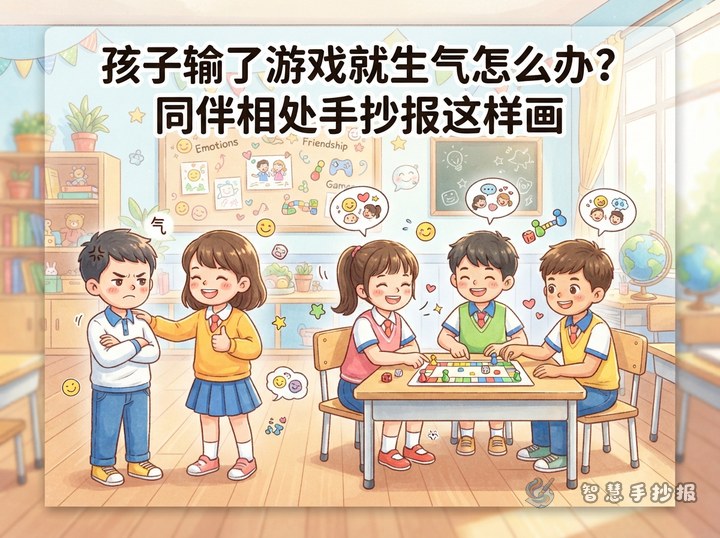
Begin with the Feeling Behind the Moment
This hand-copied poster can open with a familiar classroom situation: a child asks to borrow a pencil, ruler, eraser, or marker and hears “no.” The child may feel disappointed, embarrassed, or angry. The key message is that having a real need and respecting another person's decision can happen at the same time.
Build the Main Content Around Three Choices
Pause Before Reacting
Take a slow breath and name the feeling: “I am disappointed, but I can find another solution.” Avoid grabbing the item, complaining, or calling the classmate names.
Ask Politely
Try a calm question such as, “Are you using it now?” or “Could I borrow it when you are finished?” If the answer is still no, accept it without arguing.
Find Another Solution
- Check the pencil case for something that can work instead.
- Politely ask another classmate without pressuring anyone.
- Explain the need to the teacher and ask for help.
- Make a note to replace or pack the missing supply after school.
Short Lines to Write on the Poster
Respect boundaries: Sharing deserves thanks, and a polite refusal deserves respect.
Name the feeling: I can say I am disappointed without hurting someone else.
Speak kindly: Ask politely, wait patiently, and look for another solution.
Borrow responsibly: Take care of the item, return it on time, and say thank you.
Turn the Page into a Choice Map
Place the title across the top and draw a path beginning with “Ask to borrow.” On the left, create a “Yes” branch with care, return, and thanks. On the right, create a “No” branch with pause, ask calmly, respect the answer, and find another option. Add a small school-supply checklist along the bottom to make the poster practical as well as engaging.
Finish with Clear Color and Expression
Use bright blue or green for the title and small touches of yellow or orange to show changing emotions. Do not draw the classmate who refuses as a villain. Keep facial expressions natural, speech bubbles brief, and arrows easy to follow. Sketch the sections in pencil before lettering and coloring. After preparing the text, scan the code to open the Smart Hand-copied Poster WeChat Mini Program and continue with a suitable layout.