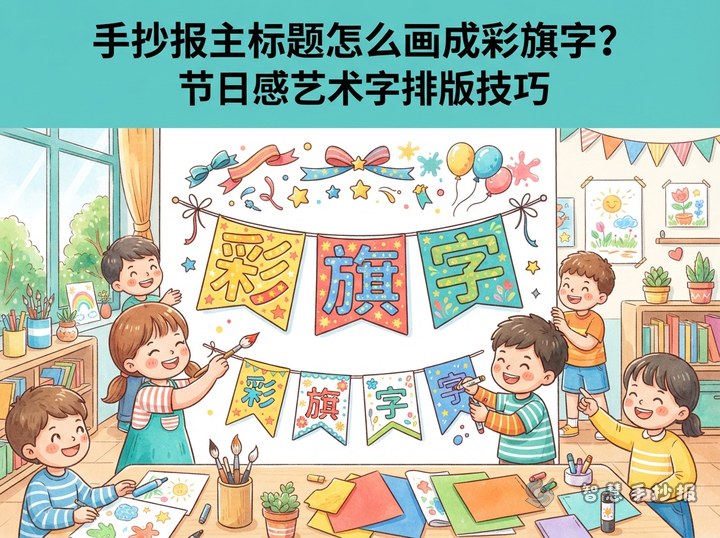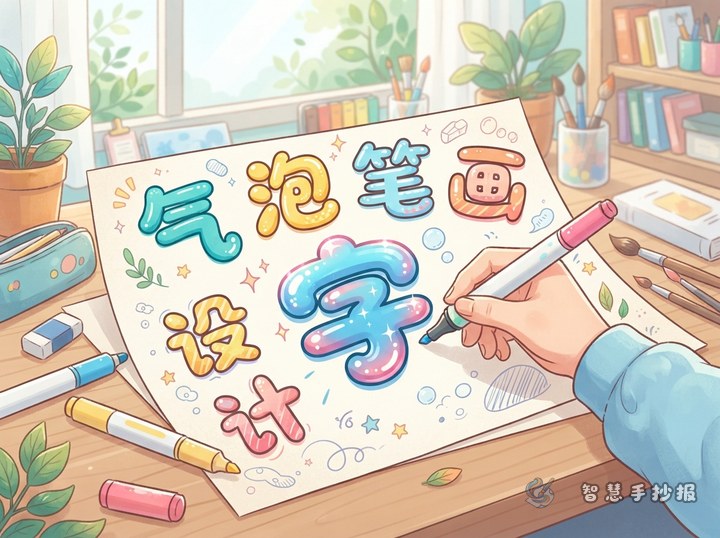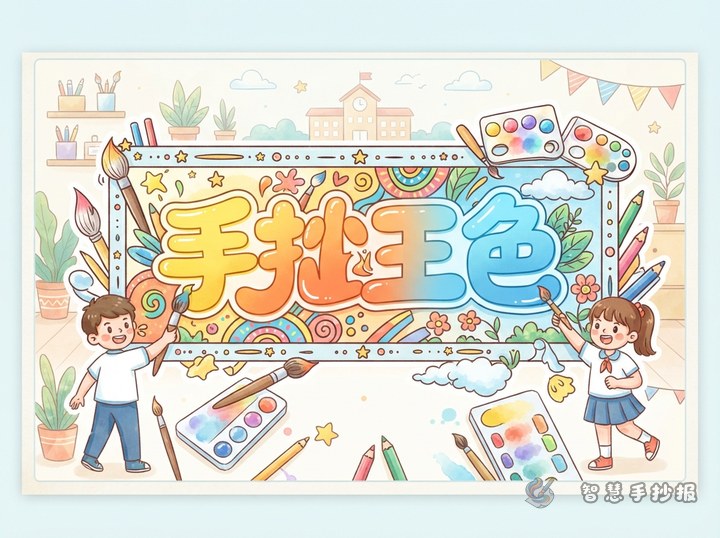
Measure the Title Area Before You Write
The most common problem with a poster title is running out of room halfway through and shrinking the letters. Spend a few minutes on a rough sheet first:
- Decide the height of the title band, usually 4-6 cm on A4 paper;
- Count the characters and divide the band width by that number;
- Leave 1-2 cm of margin on the left and right so the title never touches the edge;
- Draw a faint baseline and stand every letter on it.
Once the measurements are settled, spacing, size and position all become much easier to control.
Three Spacing Options: Tight, Even and Loose
Spacing is not about squeezing letters as close as possible, nor about spreading them wide for a grand look. It depends on how many characters you have.
- Tight: 2-3 mm between letters, best for long titles of six or more characters such as "Protect the Earth, Start with Me".
- Even: about half a character width, the safest choice for four to six characters and the easiest to read.
- Loose: about one character width, ideal for short titles of two or three characters, filling the band with confidence.
Pick one option for the main title. Make the subtitle tighter than the main title so the hierarchy is clear.
Add an Accent: Small Changes in Size and Position
An eye-catching title does not need decoration; it needs rhythm. Enlarge one key character:
- In "Happy Reading Festival", enlarge the character for "read" to 1.2-1.5 times;
- In a holiday title, lift the first character half a square so it seems to jump;
- When the title contains a number or a year, make the digits slightly taller to become the focal point.
After enlarging, keep the alignment consistent. The enlarged character should still sit on the same baseline, or the whole row should rise together. Do not mix upward and downward shifts, or the title loses its balance.
Guide Lines and Fixing a Crooked Title
Before adding color, draw three light pencil lines: a top line, a middle line and a baseline. The middle line keeps letter heights consistent, while the outer lines keep the row straight. Erase them when the title is finished.
If the title is already crooked, step back and look at the whole row instead of one character. A slight tilt can be corrected by thickening the strokes on the lower side. If a single character is clearly off, outline it in white or a light color to rebuild a straighter shape; this is much faster than erasing the entire title.
Title Word Bank and Color Pairing
Good spacing needs good words. These ready-made titles work for most school posters:
- Festivals: Happy Children's Day, Dragon Boat Festival, Mid-Autumn Moon, Welcome the New Year;
- Reading: A School Full of Books, Happy Reading Festival, Friends with Good Books;
- Environment: Green Home, Protect the Earth, Sort Waste Starting with Me;
- Safety: Safety Walks with Me, Cherish Life, Travel with Good Manners;
- Campus: Sunny Sports Day, Our Festival, Growing Up Happy Every Day.
Keep the main title to three colors or fewer. Make the letters darker or brighter than the body text so the contrast is obvious, and leave a thin white or light outline around each character so the title lifts off the page.
Three Checks Before You Finish
- Step back and look: can the title be read within three seconds? If not, the size or spacing needs adjusting;
- Squint or move the paper away: if the letters blur into a block, they are too close together;
- Check the whole layout: does the title clash with the illustrations or the border? Lighten the background if needed.
If you want to test how the title sits with the rest of the layout, open the Wisdom Hand-Copied Poster mini program, adjust the title position and colors in a template, and then copy the result onto paper.